Map & Fast Travel Guide: Leonida Regions, Waypoints, and Quick Routes
Navigate Leonida with the in-game map, map index, quick navigation, waypoints, phone rides, safehouses, and region-by-region travel habits.
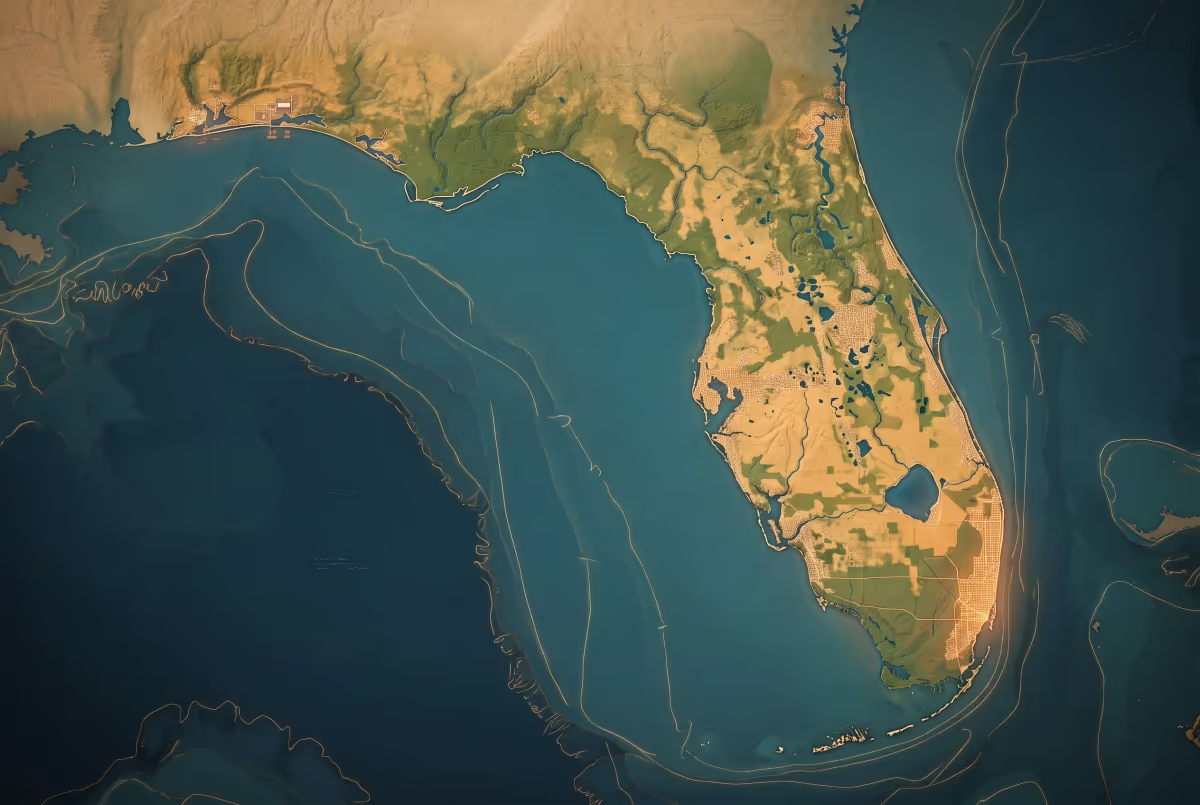
Editorial brief: no official Rockstar map has been published. Region names are confirmed; boundaries, sizes, and route layouts are community reconstructions.
The six confirmed regions
Rockstar has named Vice City, the Leonida Keys, Grassrivers, Port Gellhorn, Ambrosia, and Mount Kalaga National Park. Vice City is the neon urban anchor inspired by Miami. The Keys are an island chain south of the city. Grassrivers is wetland, Port Gellhorn a decayed coastal town, Ambrosia an industrial belt, and Mount Kalaga the forested north.
Map size claims vary. Rockstar has only called Leonida the biggest evolution of the series. Treat square-kilometre figures and GTA V size ratios as estimates.
Regional travel logic
- Vice City: dense streets, garages, businesses, nightlife.
- Leonida Keys: water routes, boats, safehouses, smuggling.
- Grassrivers: airboats, alligators, mangrove channels.
- Port Gellhorn: dirt bikes, industrial coast, rough roads.
- Ambrosia: refinery roads and long industrial hauls.
- Mount Kalaga: hunting, fishing, off-road trails.
Use the in-game map properly
Press Touchpad or View to open the map. Move the cursor to a location and press X or A to set a destination. You can only have one destination at a time, but you can place multiple markers to remember useful locations.
Press Right to open the map index. It lists discovered tasks and locations by category, and anything new is flagged. Check it after story missions and long drives; new targets often appear without a notification.
Fast navigation without opening the map
Hold Down for quick navigation, then press R3 or RS on an in-world marker to set it as a destination. Holding Down also shows nearby tasks and locations on the HUD. A quick press of Down brings up the HUD and current objective.
This is the fastest way to redirect mid-drive. If you see a robbery target, fence, or safehouse while passing, mark it immediately instead of stopping to open the full map.
Phone travel
- Press Up on the D-pad to open the phone.
- Use taxi or RydeMe rides for quick cross-region movement.
- Keep enough cash for the ride.
- Use travel time to scan the map index, not just the scenery.
Fuel changes route planning
Fuel depletes during real driving. Stolen cars do not always start full, so fill up before leaving the Keys or crossing Grassrivers. Gas stations also provide basic repairs. A dry tank during a chase is avoidable.
Keep a reliable registered car for long routes and use throwaway vehicles inside cities. Check the map for a gas station before committing to a remote job.
Safehouses and garages
Safehouses are anchors. Jason's house in Key Lento is the first base, and reported activities there include stash storage and relationship-building repairs. Garages protect vehicles you intend to keep. Store, register, and then mark the vehicle as personal.
Set a destination before leaving a safehouse so you do not drift into the wrong district. Vice City is dense; one-way systems and traffic can turn a short hop into a wanted-level problem.
Discover opportunities by listening
Not everything appears on the map. Strange noises, confrontations, accidents, overheard conversations, and NPC tips can reveal robberies or activities. Use Focus to slow time, highlight nearby items, and trace unusual sounds.
When a lead appears, pin it, finish the immediate task, then return when your loadout and vehicle are ready.
Route checklist
- Set one destination before moving.
- Top up fuel before remote regions.
- Check the map index after every story beat.
- Mark fences and gas stations along your route.
- Use phone rides when you need speed more than driving.
The short version
The map shows discovered places; the index shows discovered systems; the phone moves you quickly. Combine all three and Leonida becomes a network instead of a maze.
Related Files
Frequently Asked Questions
Is there an official GTA 6 map?
No. Rockstar has confirmed six regions but has not published a full map. Boundaries and size comparisons are community estimates.
How do I set a waypoint?
Open the map with Touchpad or View, move to a location, and press X or A. You can only have one destination but multiple markers.
Is there fast travel?
Published reporting describes taxi and RydeMe rides through the phone. Press Up on the D-pad to open it.
How do I mark something while driving?
Hold Down for quick navigation, then press R3 or RS on an in-world marker to set it as your destination.